

JavaScript Promise Not Working? Here Is Why
Skilldham
Engineering deep-dives for developers who want real understanding.
You write a JavaScript promise. You run the code. Nothing happens - or worse, you get undefined back when you expected data.
You check the syntax. It looks fine. You copy it from a working example. Still broken.
This is one of the most common frustrations developers face when learning async JavaScript. When a JavaScript promise is not working, the problem is almost never the promise itself. It is almost always one of a small set of mistakes that are easy to make and easy to fix once you know what to look for.
You write a promise. You run it. Nothing happens. No error. No data. Just silence. Here is exactly what is breaking it.
You Are Not Returning the Promise
This is the number one reason a JavaScript promise stops working - and it is surprisingly easy to miss.
When you forget to return a promise inside a .then() chain, the chain breaks. The next .then() receives undefined instead of the resolved value, and your code silently fails with no error.
Wrong - missing return inside then:
js
fetch('/api/user')
  .then(response => {
    response.json(); // forgot return - promise is lost!
  })
  .then(data => {
    console.log(data); // undefined - not what you expected
  });
Correct - always return the promise:
js
fetch('/api/user')
  .then(response => {
    return response.json(); // return the promise
  })
  .then(data => {
    console.log(data); // actual data
  });
Or use the arrow function shorthand which returns automatically:
js
fetch('/api/user')
  .then(response => response.json()) // implicit return
  .then(data => console.log(data));
The rule is simple - if you are doing async work inside a .then(), always return the result. Forgetting this is the most silent bug in async JavaScript because no error is thrown. The chain just produces undefined and keeps going.
For more on how JavaScript handles async behavior under the hood, the MDN documentation on Promises covers the full lifecycle in detail.
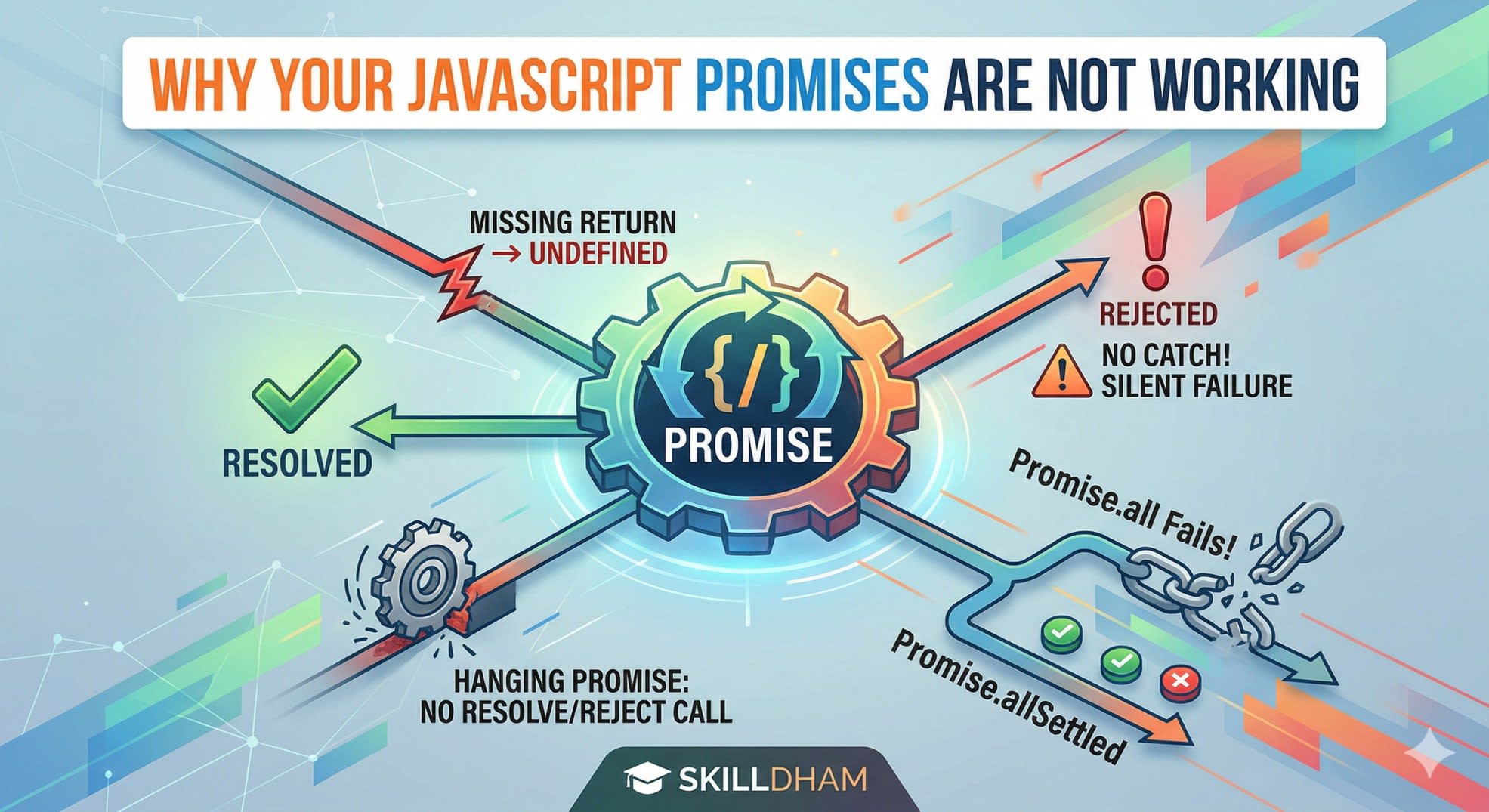
You Are Not Catching Errors
A JavaScript promise not working sometimes means it is actually failing - but you cannot see the error because you have no .catch() handler.
When a promise rejects and there is no rejection handler, modern browsers log an UnhandledPromiseRejection warning. In Node.js, depending on the version, it can crash your process entirely. Either way, your code silently stops working and you have no idea why.
Wrong - no error handling:
js
fetch('/api/data')
  .then(response => response.json())
  .then(data => {
    console.log(data);
  });
// If fetch fails - nothing happens, no error visible
Correct - always add .catch():
js
fetch('/api/data')
  .then(response => response.json())
  .then(data => {
    console.log(data);
  })
  .catch(error => {
    console.error('Something went wrong:', error);
  });
Even better - check the response status:
js
fetch('/api/data')
  .then(response => {
    if (!response.ok) {
      throw new Error(`HTTP error: ${response.status}`);
    }
    return response.json();
  })
  .then(data => console.log(data))
  .catch(error => console.error(error));
Note that fetch() only rejects on network failure - a 404 or 500 response does not reject the promise. You need to check response.ok manually. This catches a lot of developers off guard.
If you have run into similar issues where your API returns unexpected results, our guide on why your API works in Postman but fails in the browser covers the most common reasons.
You Are Mixing Async/Await With .then() Incorrectly
Async/await and .then() chains both work with JavaScript promises - but mixing them incorrectly is a common reason promises stop working as expected.
The most frequent mistake is using await inside a function that is not marked async. This throws a syntax error immediately. The second mistake is forgetting that async functions always return a promise - even if you return a plain value inside them.
Wrong - await outside async function:
js
function loadUser() {
  const data = await fetch('/api/user'); // SyntaxError!
  return data;
}
Wrong - not awaiting an async function:
js
async function getUser() {
  const response = await fetch('/api/user');
  return response.json();
}

const user = getUser(); // user is a Promise, not the data!
console.log(user.name); // undefined
Correct - await the async function too:
js
async function getUser() {
  const response = await fetch('/api/user');
  return response.json();
}

async function main() {
  const user = await getUser(); // now user is the actual data
  console.log(user.name); // works correctly
}

main();
Correct - with proper error handling:
js
async function loadData() {
  try {
    const response = await fetch('/api/data');
    if (!response.ok) throw new Error(`Error: ${response.status}`);
    const data = await response.json();
    return data;
  } catch (error) {
    console.error('Failed to load data:', error);
  }
}
The rule is: if you use await anywhere in a function, that function must be async. And if you call an async function, you must also await it to get the resolved value.
You Are Creating a Promise That Never Resolves or Rejects
A JavaScript promise not working can also mean it is just stuck - it never resolves and never rejects. This happens when you create a promise manually and forget to call either resolve or reject in every code path.
Wrong - promise stuck forever in one code path:
js
function fetchData(shouldLoad) {
  return new Promise((resolve, reject) => {
    if (shouldLoad) {
      resolve('data loaded');
    }
    // If shouldLoad is false - promise hangs forever!
    // No reject, no resolve
  });
}

fetchData(false).then(data => console.log(data));
// Nothing ever happens
Correct - every code path resolves or rejects:
js
function fetchData(shouldLoad) {
  return new Promise((resolve, reject) => {
    if (shouldLoad) {
      resolve('data loaded');
    } else {
      reject(new Error('shouldLoad was false'));
    }
  });
}

fetchData(false)
  .then(data => console.log(data))
  .catch(error => console.error(error)); // 'shouldLoad was false'
Also wrong - resolve called inside a callback but not awaited:
js
function waitForTimer() {
  return new Promise((resolve) => {
    setTimeout(() => {
      resolve('done'); // this is correct
    }, 1000);
  });
}

// Wrong usage - not awaiting:
waitForTimer();
console.log('This runs immediately, not after the timer');
Every branch in your promise executor must call either resolve or reject. If any code path can be reached without calling either, your promise will hang silently and your .then() will never run.
You Are Using Promise.all Incorrectly
Promise.all is the right tool when you want to run multiple JavaScript promises in parallel and wait for all of them. But it has specific behavior that trips developers up - if any single promise rejects, the entire Promise.all rejects immediately and the other results are discarded.
Wrong - not handling individual failures:
js
const results = await Promise.all([
  fetch('/api/users'),
  fetch('/api/posts'),
  fetch('/api/comments')
]);
// If /api/posts fails - entire Promise.all rejects
// You lose the users and comments results too
Correct - use Promise.allSettled when you need all results:
js
const results = await Promise.allSettled([
  fetch('/api/users'),
  fetch('/api/posts'),
  fetch('/api/comments')
]);

results.forEach(result => {
  if (result.status === 'fulfilled') {
    console.log('Success:', result.value);
  } else {
    console.error('Failed:', result.reason);
  }
});
When Promise.all is correct - use it with a try/catch:
js
try {
  const [users, posts] = await Promise.all([
    fetch('/api/users').then(r => r.json()),
    fetch('/api/posts').then(r => r.json()),
  ]);
  console.log(users, posts);
} catch (error) {
  console.error('One of the requests failed:', error);
}
Use Promise.all when all requests must succeed for your code to work. Use Promise.allSettled when you want to handle each result independently regardless of whether it succeeded or failed. This distinction fixes a lot of cases where JavaScript promise behavior seems unpredictable.
Our guide on React state not updating covers similar async timing issues that happen when promise results are used inside React state updates.
Key Takeaway
When a JavaScript promise is not working, check these five things in order:
Make sure you are returning promises inside .then() - missing a return is the most silent bug
Always add a .catch() handler - without it you cannot see what is failing
If using async/await, every function that uses await must be marked async - and every call to an async function must also be awaited
When creating promises manually, every code path must call either resolve or reject - a hanging promise produces no error
Use Promise.allSettled instead of Promise.all when you need individual results regardless of failures
JavaScript promises follow a strict set of rules. Once you understand those rules, async code becomes predictable. When a promise is not working, the cause is almost always one of these five mistakes - and every one of them has a simple fix.
FAQs
Why is my JavaScript promise not working even though the syntax looks correct? The most common reason is a missing return inside a .then() handler. When you forget to return a promise from inside .then(), the chain receives undefined on the next step and your code silently fails. Always return the result of any async operation inside a .then() block.
Why does my JavaScript promise hang and never resolve? This usually means your promise executor has a code path that never calls resolve or reject. Check every if/else branch inside your new Promise() constructor - every possible path through the code must call one of them, or the promise will hang silently forever.
Why does fetch not reject on a 404 or 500 error? The fetch() API only rejects when there is a network failure - it considers any HTTP response a success, including 4xx and 5xx status codes. You need to manually check response.ok or response.status and throw an error if the response indicates failure.
What is the difference between Promise.all and Promise.allSettled? Promise.all rejects immediately if any single promise in the array rejects, and you lose all results. Promise.allSettled always waits for every promise to finish and gives you both successes and failures, letting you handle each result independently.
Can I use await outside of an async function? No - await can only be used inside a function marked with the async keyword. The one exception is top-level await in ES modules, but in regular function scope you will get a syntax error if you try to use await without async.
Why does my async function return a Promise instead of the actual value? Because all async functions always return a promise - that is how they work by design. To get the actual value, you must await the async function call, or use .then() on the returned promise.