

JavaScript Array Methods Every Developer Must Know
Skilldham
Engineering deep-dives for developers who want real understanding.
You know arrays exist. You know push and pop. But every time you need to find something in an array, filter it, or transform every item, you end up writing a for loop that takes ten lines when one line would do.
Then you see a senior developer write the same thing in a single line and wonder what you missed.
The truth is not complicated. JavaScript array methods have been there the whole time. Most developers just never got a proper explanation of which one to use and when. The difference between clean, readable code and tangled nested loops is almost always knowing your javascript array methods properly.
Here is every method that actually matters in production, with the wrong way, the right way, and why it works.
map - Transform Every Item Without Touching the Original
map creates a new array by running a function on every item. It never changes the original. It always returns an array of the exact same length.
The mistake most developers make is using map when they do not actually need the returned array. This is a code smell that tells every senior developer reviewing your PR that you reached for the wrong tool.
javascript
// Wrong - using map when you don't need the returned array
const users = [{ name: 'Ravi' }, { name: 'Priya' }, { name: 'Aman' }];

users.map((user) => {
  console.log(user.name); // you're ignoring what map returns
  // this is a side effect - map is the wrong choice here
});
javascript
// Correct - forEach for side effects, map for transformations
users.forEach((user) => {
  console.log(user.name); // forEach is built for this
});

// map when you actually need a new array
const names = users.map((user) => user.name);
console.log(names); // ['Ravi', 'Priya', 'Aman']

// Real world - reshaping API response for UI display
const displayUsers = users.map((user) => ({
  ...user,
  initials: user.name[0].toUpperCase(),
  label: `User: ${user.name}`,
}));
In React, map is the foundation of every rendered list. If you are writing a for loop to build an array of JSX elements, map is what you actually need. The rule is clean: need a new transformed array, use map. Just need to do something with each item, use forEach.
filter - Remove Items Without Mutating Your Data
filter creates a new array with only the items that pass a test. The original array is untouched. This matters more than most developers realize when you first start writing React state management.
The classic mistake is trying to remove items by mutating the original array with splice. It works locally. It causes subtle bugs in React because React's state comparison misses the change.
javascript
// Wrong - mutating the original array
const products = [
  { name: 'Laptop', inStock: true },
  { name: 'Phone', inStock: false },
  { name: 'Tablet', inStock: true },
];

for (let i = products.length - 1; i >= 0; i--) {
  if (!products[i].inStock) {
    products.splice(i, 1); // this destroys your original data
  }
}
javascript
// Correct - filter creates a new array, original is safe
const inStockProducts = products.filter((product) => product.inStock);

console.log(inStockProducts);
// [{ name: 'Laptop', inStock: true }, { name: 'Tablet', inStock: true }]

console.log(products.length); // still 3 - untouched

// Real world React state - removing an item properly
const removeProduct = (id) => {
  setProducts((prev) => prev.filter((product) => product.id !== id));
};
This is exactly the pattern behind why React state does not update correctly. When you mutate arrays directly, React cannot detect the change and your UI does not re-render. filter gives you a new array reference that React can compare properly.
reduce - Turn Any Array Into Any Value
reduce is the most powerful javascript array method and the one most developers avoid because the syntax looks intimidating at first. Once you understand it, you will reach for it constantly.
It takes an array and reduces it to a single value. That value can be a number, a string, an object, or even another array.
javascript
// Wrong - for loop to calculate totals
const orders = [
  { item: 'Coffee', price: 120 },
  { item: 'Sandwich', price: 280 },
  { item: 'Juice', price: 80 },
];

let total = 0;
for (let i = 0; i < orders.length; i++) {
  total += orders[i].price;
}
javascript
// Correct - reduce in one clean line
const total = orders.reduce((acc, order) => acc + order.price, 0);
console.log(total); // 480

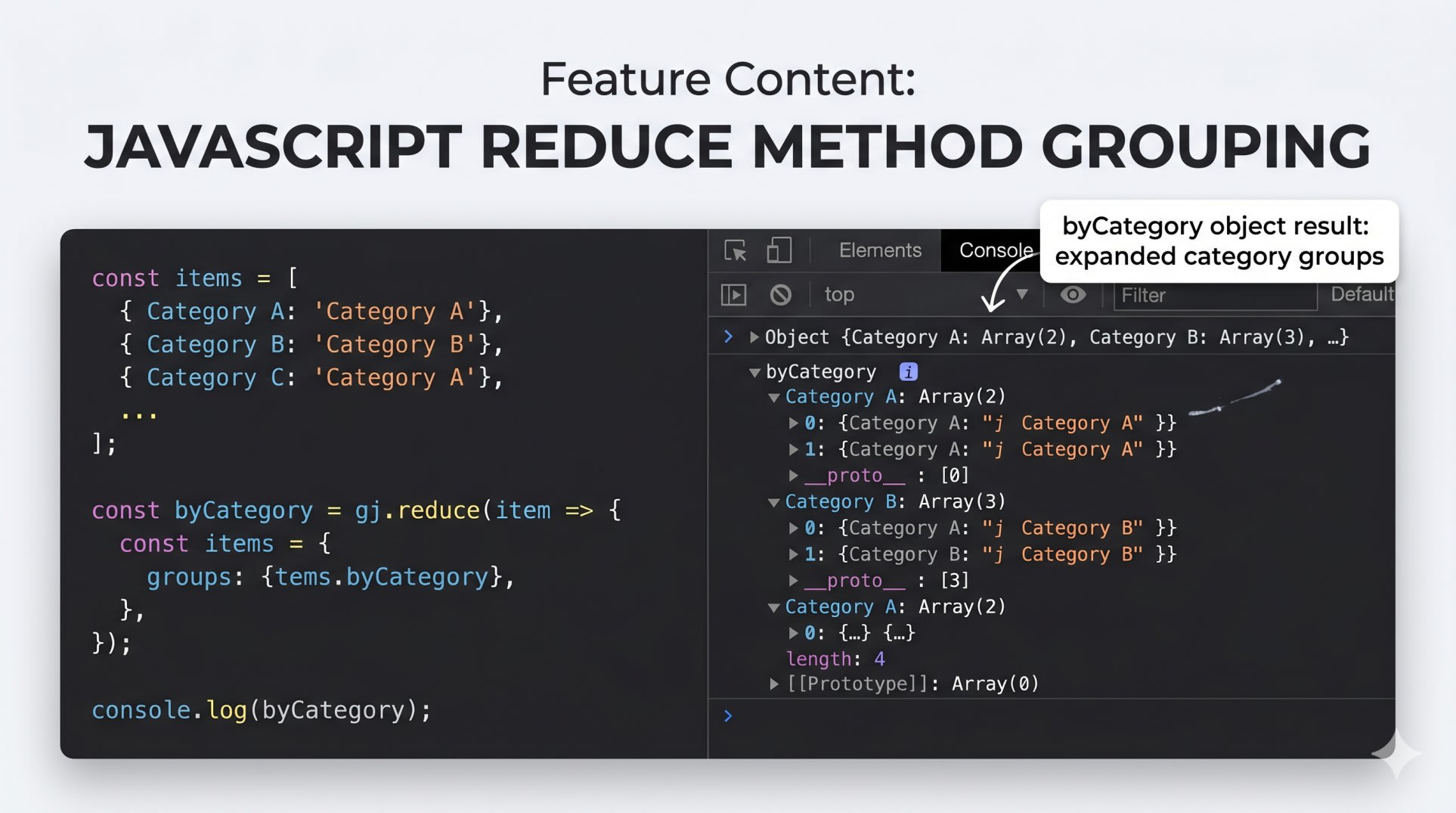
// Real world - grouping expenses by category
const expenses = [
  { category: 'Food', amount: 500 },
  { category: 'Travel', amount: 800 },
  { category: 'Food', amount: 300 },
];

const byCategory = expenses.reduce((acc, expense) => {
  acc[expense.category] = (acc[expense.category] || 0) + expense.amount;
  return acc;
}, {});

console.log(byCategory);
// { Food: 800, Travel: 800 }
The second argument to reduce is the starting value of the accumulator. Start with 0 for sums, {} for building objects, [] for building arrays. This grouping pattern is the exact one used in the Munshi expense tracking RAG system to categorize transactions before sending them to the AI.
find and findIndex - Locate One Specific Item Fast
find returns the first item that matches a condition. findIndex returns its position. Both stop searching the moment they find a match, which makes them faster than filter when you only need one result.
The mistake is reaching for filter out of habit even when you only need the first match. The [0] at the end of a filter call is a signal you should have used find.
javascript
// Wrong - filter when you only need one item
const users = [
  { id: 1, name: 'Ravi' },
  { id: 2, name: 'Priya' },
  { id: 3, name: 'Aman' },
];

const user = users.filter((u) => u.id === 2)[0]; // [0] at the end = wrong tool
javascript
// Correct - find stops at first match
const user = users.find((u) => u.id === 2);
console.log(user); // { id: 2, name: 'Priya' }

// always guard against undefined - find returns undefined if nothing matches
if (user) {
  console.log(user.name);
}

// findIndex when you need position to update state
const updateUser = (id, newName) => {
  setUsers((prev) => {
    const index = prev.findIndex((u) => u.id === id);
    if (index === -1) return prev; // not found, return unchanged
    const updated = [...prev];
    updated[index] = { ...updated[index], name: newName };
    return updated;
  });
};
The findIndex pattern for updating one item in React state is one of the cleanest approaches available. Spread the array to avoid mutation, update the item at the found index, return the new array.
some and every - Check Conditions Across Your Entire Array
some returns true if at least one item passes the test. every returns true only if all items pass. Both stop searching as soon as they have enough information to return.
Writing a flag variable that gets set inside a loop to check these conditions is something you see often in junior code. some and every exist precisely for this.
javascript
// Wrong - manual flag pattern
const cart = [
  { item: 'Laptop', available: true },
  { item: 'Case', available: true },
  { item: 'Charger', available: false },
];

let allAvailable = true;
for (const item of cart) {
  if (!item.available) {
    allAvailable = false;
    break;
  }
}
javascript
// Correct - intent is clear immediately
const allAvailable = cart.every((item) => item.available);
console.log(allAvailable); // false

const anyAvailable = cart.some((item) => item.available);
console.log(anyAvailable); // true

// Real world - form validation in React
const isFormValid = formFields.every((field) => field.valid);
const hasAnyError = formFields.some((field) => !field.valid);

<button disabled={!isFormValid}>Submit</button>
Code that reads like natural language is easier to maintain and review. some and every do that better than any loop-with-flag pattern. For more on writing React code that is easier to change, read our post on why reusable React components sometimes make things harder.
flat and flatMap - Handle Nested Arrays Cleanly
flat removes one level of nesting from an array. flatMap combines map and flat into a single operation, which is useful when your transformation can return multiple items per input.
Nested for loops for flattening arrays are one of those things that look obvious to write but painful to read three months later.
javascript
// Wrong - nested loop to flatten
const categories = [
  { name: 'Frontend', topics: ['React', 'CSS', 'JavaScript'] },
  { name: 'Backend', topics: ['Node', 'Databases', 'APIs'] },
];

const allTopics = [];
for (const category of categories) {
  for (const topic of category.topics) {
    allTopics.push(topic);
  }
}
javascript
// Correct - flatMap does this in one operation
const allTopics = categories.flatMap((category) => category.topics);
console.log(allTopics);
// ['React', 'CSS', 'JavaScript', 'Node', 'Databases', 'APIs']

// flat for removing nesting levels
const nested = [1, [2, 3], [4, [5, 6]]];
console.log(nested.flat());        // [1, 2, 3, 4, [5, 6]] - one level deep
console.log(nested.flat(2));       // [1, 2, 3, 4, 5, 6] - two levels deep
console.log(nested.flat(Infinity)); // [1, 2, 3, 4, 5, 6] - all levels

// Real world - API response with nested items
const allItems = apiResponse.sections.flatMap((section) => section.items);
Key Takeaway
Knowing your javascript array methods properly is the difference between code that takes five minutes to understand and code that takes thirty. For loops have their place, but for the operations above, the built-in methods are faster to write, easier to read, and less likely to introduce bugs.
map - transform every item, same-length array returned
filter - keep items that pass a test, original unchanged
reduce - collapse an array into any single value or object
find - first match, stops searching immediately
findIndex - position of first match, great for state updates
some - true if at least one item passes
every - true only if all items pass
flat - removes array nesting
flatMap - map and flatten combined
Every time you write a for loop that builds a new array or checks a condition across items, there is almost always a javascript array method that handles it in one readable line. The MDN Array documentation has every method with full examples and browser support tables.
FAQs
What is the difference between map and forEach in JavaScript? map returns a new array with the transformed items - use it when you need the result of the transformation. forEach returns nothing - use it when you only need the side effect, like logging or updating something outside the array. Using map and throwing away the return value is a common mistake that signals the wrong method was chosen.
When should I use find instead of filter in JavaScript? Use find when you are looking for one specific item. It stops searching the moment it finds the first match, which is faster than filter on large arrays. Use filter only when you genuinely need all matching items. The most common signal that you need find instead of filter is a [0] at the end of your filter call.
How does JavaScript reduce work for beginners? reduce runs a function on each item in sequence, passing the result of the previous call as the first argument - called the accumulator. The second argument to reduce itself is the starting value. Use 0 for sums, {} for building objects, [] for building new arrays. Once you internalize that pattern, reduce becomes one of the most versatile tools in JavaScript.
What is the difference between some and every in JavaScript? some returns true if at least one item passes the test - it stops as soon as it finds the first match. every returns true only if every single item passes - it stops as soon as one fails. Think of some as "does any item have this?" and every as "do all items satisfy this?"
Are JavaScript array methods slower than for loops? For typical frontend data handling with hundreds or thousands of items, the difference is negligible. JavaScript engines optimize array methods heavily. The readability and correctness benefit far outweighs any micro-performance concern. If you are processing millions of items in a tight loop, benchmark both. For everything else, use the method that makes your intent clearest.
Why should I use filter instead of splice to remove items in React? splice mutates the original array in place. React compares state by reference - when you mutate an array, React sees the same array reference and does not trigger a re-render. filter returns a new array with a new reference, which React correctly detects as a state change and re-renders with the updated data.
What does flatMap do differently than using map followed by flat? flatMap is equivalent to calling map followed by flat(1) but runs in a single pass, making it more efficient. More importantly, it reads as a single operation rather than two separate transformations chained together. Use it whenever your map callback returns arrays and you want a single flat result array.