
Tailwind CSS Not Working in Next.js? 5 Fixes
Skilldham
Engineering deep-dives for developers who want real understanding.
You install Tailwind. You add the classes. You run the dev server.
Nothing shows up.
The page looks completely unstyled. You check the class names - they look right. You check the install - everything seems fine. But Tailwind is just sitting there doing nothing.
This is one of the most common setup problems in Next.js development. And the frustrating part is that the error is almost never obvious. Tailwind does not throw warnings. The build does not fail. It just silently does nothing.
The good news is that Tailwind CSS not working in Next.js almost always comes down to one of five specific causes. Once you know what they are, the fix takes a few minutes.
Let's go through each one.
Your Content Paths Are Wrong in tailwind.config.js
This is the number one reason Tailwind CSS not working in Next.js - and it is the first thing you should check.
Tailwind works by scanning your files, finding every class you use, and generating only the CSS for those classes. If your content array in tailwind.config.js does not point to the right files, Tailwind never finds your classes and generates zero CSS.
Wrong - missing or incorrect paths:
js
// tailwind.config.js
module.exports = {
  content: [
    "./pages/**/*.{js,ts,jsx,tsx}",  // missing app directory!
  ],
  theme: { extend: {} },
  plugins: [],
};
Correct - include all file locations:
js
// tailwind.config.js
module.exports = {
  content: [
    "./app/**/*.{js,ts,jsx,tsx,mdx}",
    "./pages/**/*.{js,ts,jsx,tsx,mdx}",
    "./components/**/*.{js,ts,jsx,tsx,mdx}",
    "./src/**/*.{js,ts,jsx,tsx,mdx}",
  ],
  theme: { extend: {} },
  plugins: [],
};
If you are using the Next.js App Router - which is the default since Next.js 13 - your components live inside the app directory. If that path is missing from content, none of your App Router components will be scanned. Tailwind will not generate a single utility class for them.
A quick way to test this: add a class like bg-red-500 to your root layout. If the background does not turn red, your content paths are the problem.
After fixing the paths, restart your dev server completely - hot reload alone does not always pick up config changes.
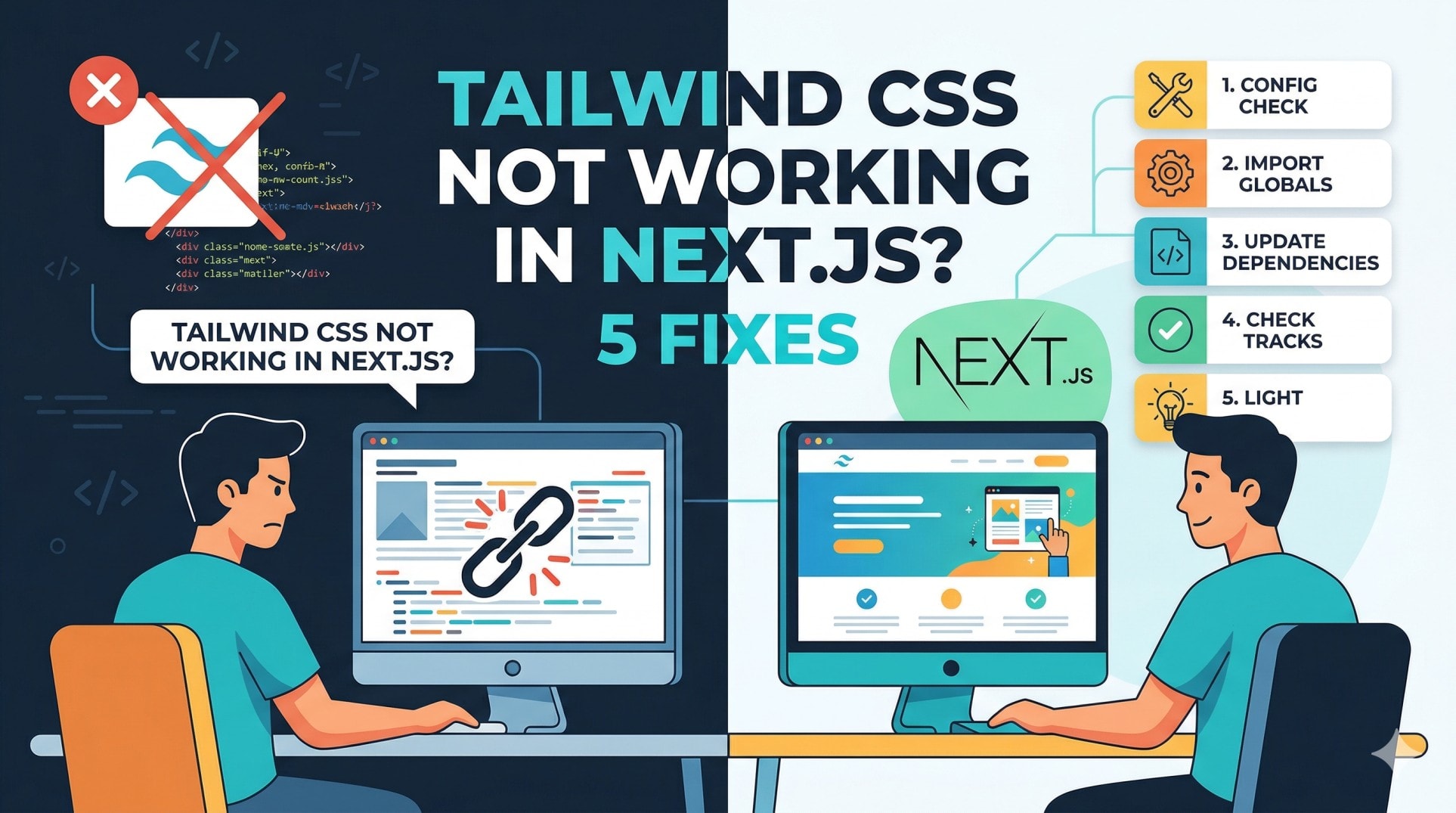
Tailwind Directives Are Not in Your CSS File
Tailwind needs three specific directives in your global CSS file to inject its styles. Without them, Tailwind has nowhere to put the CSS it generates.
Wrong - missing directives or wrong file:
css
/* globals.css */
body {
  margin: 0;
}
/* No Tailwind directives - nothing will work */
Correct - all three directives at the top:
css
/* globals.css */
@tailwind base;
@tailwind components;
@tailwind utilities;

/* Your custom styles below */
body {
  margin: 0;
}
These three lines are not optional. Each one does something different - base resets browser defaults, components handles reusable patterns, and utilities is where all your flex, text-xl, bg-blue-500 classes come from.
Also check that this CSS file is actually imported in your root layout:
js
// app/layout.js
import "./globals.css"; // must be here
If globals.css is not imported in layout.js, the entire stylesheet is ignored. This is especially easy to miss when you create a new Next.js project and move files around.
PostCSS Is Not Configured Correctly
Tailwind CSS runs through PostCSS - it is a PostCSS plugin under the hood. If your PostCSS config is missing or incorrectly set up, Tailwind never runs and no classes get generated.
Check if you have a postcss.config.js file in your project root:
Wrong - missing postcss config or wrong format:
js
// postcss.config.js - old format that breaks in newer setups
module.exports = {
  plugins: {
    tailwindcss: {},
    autoprefixer: {},
  },
};
Correct - use the full package name:
js
// postcss.config.js
module.exports = {
  plugins: {
    tailwindcss: {},
    autoprefixer: {},
  },
};
For Next.js 14 and above using Tailwind v3, this is the correct format. If you are using Tailwind v4 (released in 2025), the config approach changed significantly - PostCSS is still used but the configuration is done differently through CSS imports instead of a JS config file.
Check your Tailwind version:
bash
npx tailwindcss --versionIf you are on Tailwind v4, check the official Tailwind CSS v4 installation guide for Next.js because the setup is completely different from v3.
If PostCSS is configured correctly but Tailwind is still not working, try deleting .next folder and restarting:
bash
rm -rf .next
npm run dev
The .next folder sometimes caches stale CSS and causes Tailwind classes to appear missing even after a fix.
You Are Using Dynamic Class Names
This one trips up a lot of developers - especially when building dynamic UIs in React.
Tailwind works at build time. It scans your files as static text, finds complete class names, and generates CSS for them. If you construct class names dynamically using string interpolation, Tailwind cannot find them during the scan and never generates the CSS.
Wrong - dynamic class construction:
jsx
// Tailwind cannot detect "bg-red-500" or "bg-green-500" here
const color = "red";
return <div className={`bg-${color}-500`}>Hello</div>;
At build time, Tailwind sees bg-${color}-500 - which is not a real class name. It skips it. At runtime, the class bg-red-500 gets applied to the element but there is no CSS for it, so nothing shows up.
Correct - use complete class names:
jsx
// Tailwind can detect both of these during scanning
const colorMap = {
  red: "bg-red-500",
  green: "bg-green-500",
  blue: "bg-blue-500",
};

return <div className={colorMap[color]}>Hello</div>;
When the full class name appears as a complete string anywhere in your source code, Tailwind picks it up. The safelist config option also works if you need truly dynamic classes:
js
// tailwind.config.js
module.exports = {
  content: ["./app/**/*.{js,ts,jsx,tsx}"],
  safelist: [
    "bg-red-500",
    "bg-green-500",
    "bg-blue-500",
  ],
  theme: { extend: {} },
  plugins: [],
};
This forces Tailwind to always generate CSS for those specific classes regardless of whether they appear in your files.
Conflicting CSS Is Overriding Tailwind
Sometimes Tailwind is actually working - but another stylesheet is overriding it. This is especially common when you mix Tailwind with a UI library, custom global styles, or a CSS reset that was not designed to work alongside Tailwind.
Common scenario - global styles override Tailwind:
css
/* globals.css */
@tailwind base;
@tailwind components;
@tailwind utilities;

/* This overrides Tailwind's utility classes */
* {
  box-sizing: border-box;
  padding: 0;
  margin: 0;
}

p {
  font-size: 18px !important; /* !important kills Tailwind classes */
}
If you have !important on global element selectors, Tailwind utility classes cannot override them no matter what.
How to debug this:
Open Chrome DevTools - inspect the element - look at the Styles panel. If you see Tailwind classes listed but crossed out, another rule is winning. This is exactly the same specificity problem we covered in our CSS Not Working guide.
Fix - remove !important from global styles:
css
/* globals.css */
@tailwind base;
@tailwind components;
@tailwind utilities;

/* Let Tailwind handle resets - do not fight it */
If you are using a UI library like shadcn/ui, Radix, or Material UI alongside Tailwind, check their documentation for the correct setup. Many of them have specific instructions for avoiding conflicts with Tailwind's base styles. Also check our guide on why your Next.js build fails on Vercel - CSS conflicts sometimes only appear in production builds.
Key Takeaway
When Tailwind CSS not working in Next.js, go through this list in order:
Check tailwind.config.js content paths - make sure ./app/**/* is included if you use App Router
Confirm @tailwind base, @tailwind components, @tailwind utilities are in your globals.css
Make sure globals.css is imported in app/layout.js
Check postcss.config.js exists and has tailwindcss and autoprefixer as plugins
Never construct Tailwind class names dynamically - always use complete class strings
Open DevTools and check if Tailwind classes are crossed out - that means another CSS rule is winning
Delete .next folder and restart if nothing else works
Most Tailwind issues in Next.js are configuration problems - not bugs. Once the config is right, everything just works.
FAQs
Why is Tailwind CSS not working after install in Next.js? The most common reason is that the content array in tailwind.config.js does not include your app directory. Tailwind only generates CSS for classes it finds in the files you specify. Add ./app/**/*.{js,ts,jsx,tsx,mdx} to your content array and restart the dev server.
Why do Tailwind classes show in the HTML but have no effect? This usually means Tailwind generated the class but another CSS rule is overriding it. Open Chrome DevTools and check the Styles panel - if the Tailwind class is crossed out, a more specific rule is winning. Check your global CSS for !important declarations or conflicting styles.
Do I need a postcss.config.js file for Tailwind in Next.js? Yes, for Tailwind v3. Next.js uses PostCSS to process CSS, and Tailwind runs as a PostCSS plugin. Without a postcss.config.js that includes tailwindcss, the plugin never runs. For Tailwind v4, the setup changed - check the official docs for the correct configuration.
Why does Tailwind work locally but not on Vercel? Usually this means your tailwind.config.js content paths are missing some directories, or the globals.css import is conditional. Vercel builds from scratch - any file that is missing or not properly imported will cause Tailwind to generate no CSS for those components.
Can I use Tailwind CSS with the Next.js App Router? Yes, fully supported. Just make sure your tailwind.config.js content array includes ./app/**/*.{js,ts,jsx,tsx,mdx}. The App Router uses server components by default which Tailwind scans at build time just like any other file.